Team & permissions
On the Agency plan you can invite teammates so several people manage the account, ideal for agencies handling books for multiple Webflow clients.
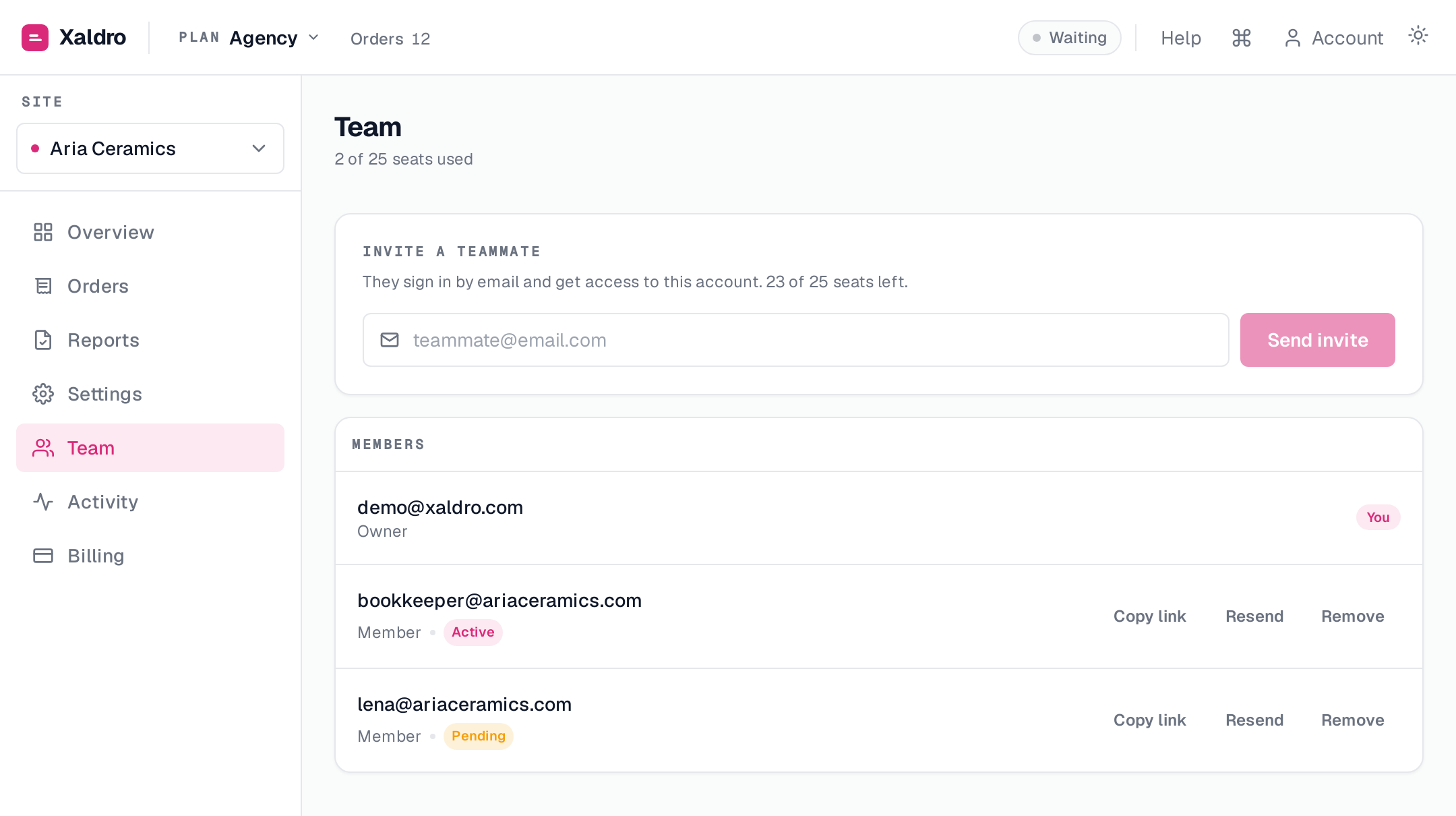
Inviting members
Open Team, enter an email, and send the invite. The teammate gets a magic link to join, no separate password to manage. You can copy or resend a member's link anytime, and remove a member to revoke access immediately.
Members operate on your account's data under your plan. Seats are limited by your plan (the owner always counts as one).
Owner vs member
The split is simple: members do the day-to-day work; the owner controls the account.
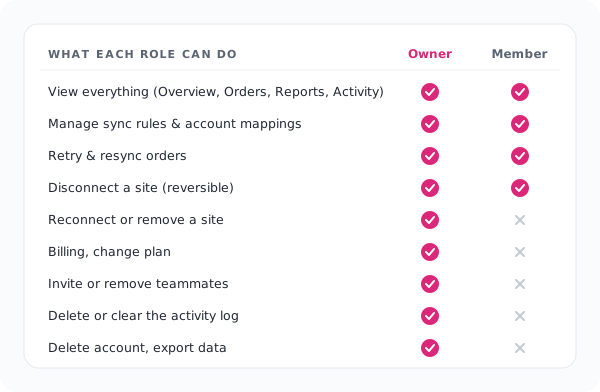
Members can:
- view everything , Overview, Orders, Reports, per-site stats, and the activity log;
- manage sync rules, mappings and tax rules;
- retry and resync orders;
- disconnect a site (a reversible pause).
Owner only:
- billing , checkout, change plan, manage the subscription;
- team , invite and remove members;
- add or remove a site, and reconnect (reconnecting runs OAuth and is owner-bound);
- delete the account or export its data;
- delete or clear the activity log.
The activity log is tamper-proof
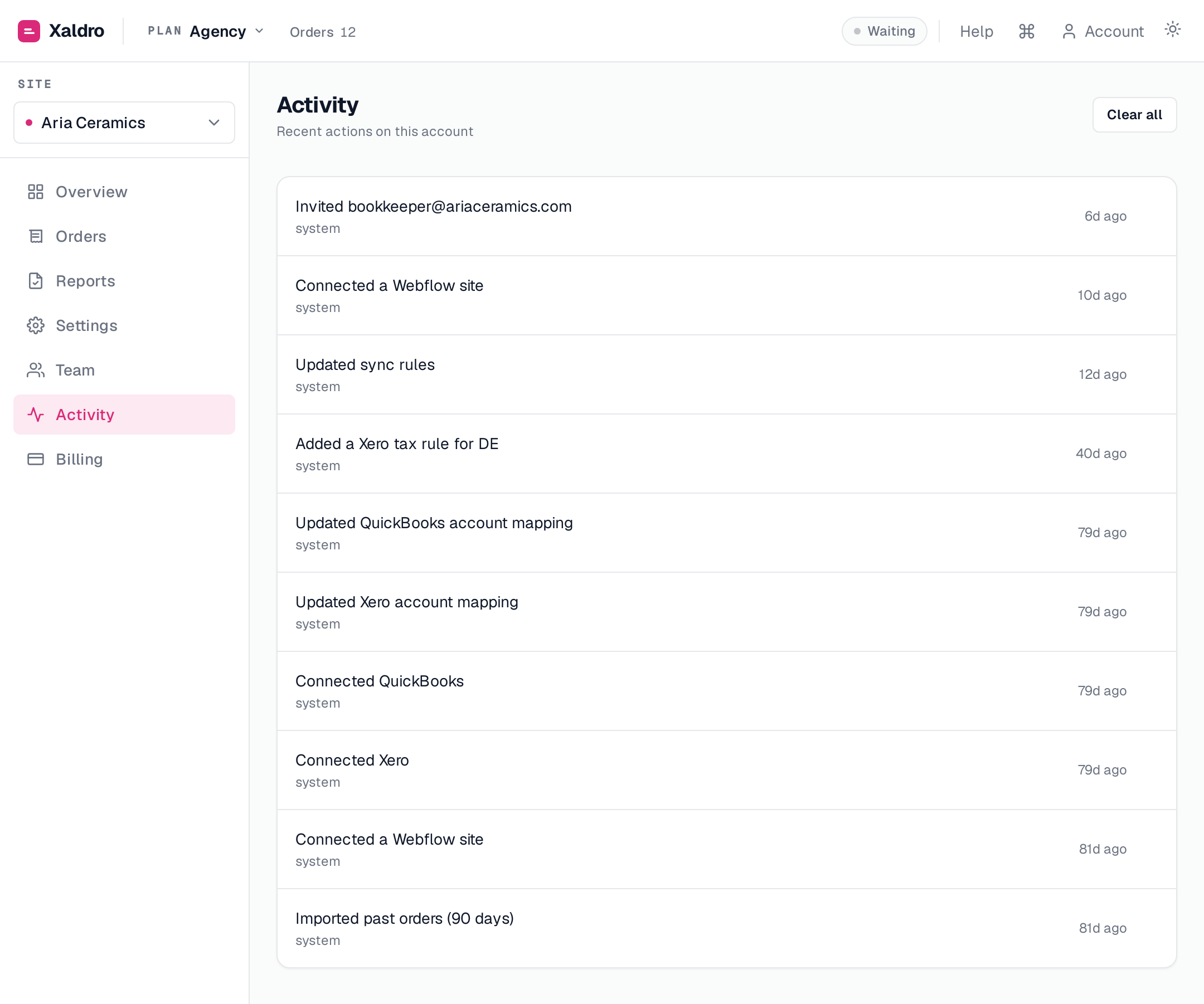
Every action , by the owner or any member , is recorded in the Activity log with who did it and when. Members can read it but cannot edit or clear it. So you always have a trustworthy answer to "which teammate changed this?", and no member can erase the record of their own actions.