Troubleshooting
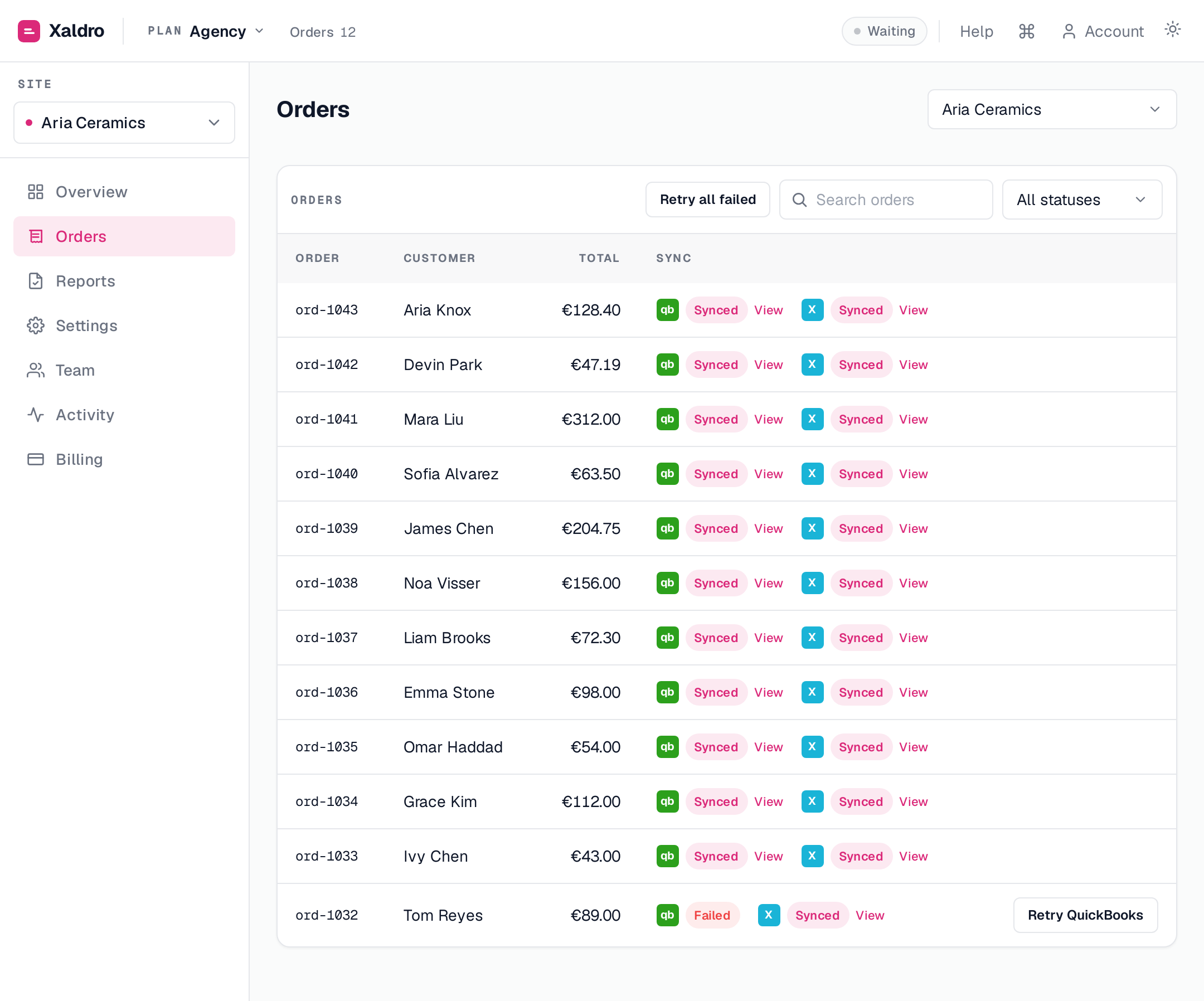
Most issues show up as a held or failed order on the Orders screen with a plain-English reason. Hover the status (or open the order) to read it, then act. Here are the common ones.
"This order is in EUR, but your organisation is not set up for EUR"
A currency mismatch. The order's currency doesn't match your accounting organisation's base currency, and multi-currency isn't enabled. Enable multi-currency in Xero or QuickBooks, or post orders in your base currency. Then Retry the order.
A taxed order is held with "no tax rate"
The order carries tax but you haven't mapped a tax code, so Xaldro won't post an invoice that's short by the tax amount. Map a default sales tax rate (or a region rule) in Settings, then retry.
"QuickBooks requires a revenue account"
No revenue account is mapped for that provider. Set one in Settings and retry.
An order won't sync at all (no status)
The order may be skipped by a sync rule (below your minimum, or not yet fulfilled), or the provider isn't connected/mapped for that site. Check Settings.
A connection says "needs reconnect"
The provider token expired or was revoked. Syncing for it is paused and we emailed you. Click Reconnect in the app, orders that arrived while it was down then sync automatically.
New orders stopped appearing
Webflow webhooks are kept healthy automatically, a background check re-registers any that go missing within a few hours. If you just reconnected, give it a moment, or run an import to pull anything from the gap. The webhook health indicator on Overview shows when the last order was received.
Still stuck?
Open the order to see the full breakdown and the exact error, then contact support, a real person reads every message. The Webflow order number helps us look into a specific sync fast.